CheraxUse
Cherry usage tutorial

Preface
Keep your activation code and registered account password well. If you lose it and cannot retrieve it, you will be responsible for the consequences.
This tutorial only demonstrates the normal steps. If there are any problems according to the tutorial operation, please contact your seller first to solve the problem.
Please read all contents and tips carefully, and if you encounter problems, try to solve them yourself first (such as with the help of AI tools)The tutorial may be time-sensitive. If it is not applicable, please contact me in time.Menu status
Necessary environment
- Finish GTA5 general settings
- This dish must
Turn off BE anti-cheat(Open and log in to the Rockstar launcher- upper right cornerset up- turn upBattlEyeandclosureBattlEye(Default yellow means openOtherwise, it means closed)) - Turn off all anti-virus software (If you confirm that it has been closed cleanly, please ignore it) /
Close debugging software such as CE/Turn off in-game overlay(N Card/MSI/Game Plus/KOOK/Oopz/Discord/ReShade, etc.) / Uninstall Tencent ACE anti-cheat(Be sure to uninstall and restart the computer after uninstalling. If you do not play Tencent games or do not have ACE anti-cheating on your computer, ignore this article), Click to view the tutorial on uninstalling Tencent ACE anti-cheating- Turn off Windows kernel isolation
- Install Runtime library collection (Download - run - continue all the way - wait patiently for a few minutes, please ignore if you have installed it before)
- run once lazy script (Please ignore if you have run it before)
register
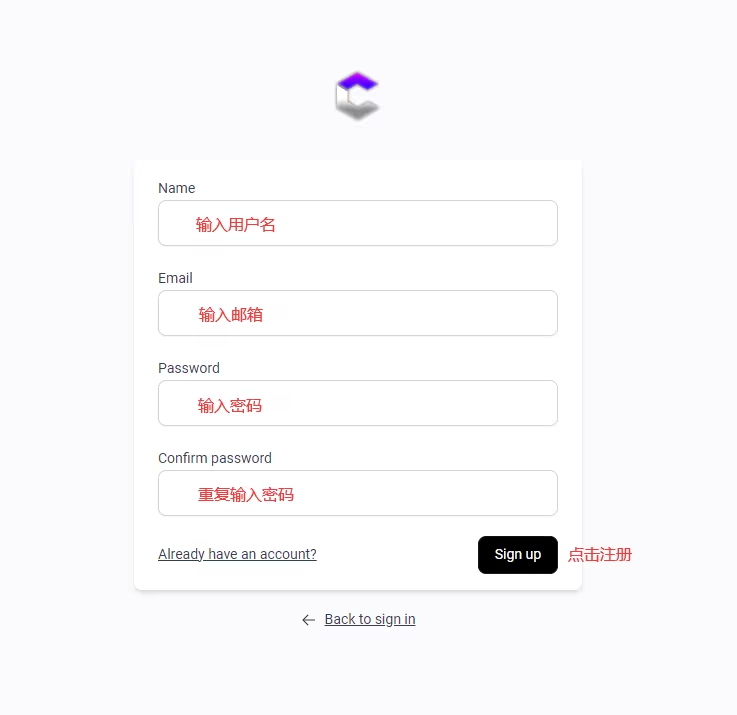
Click to enter the registration page
Follow the diagram below:
- The account and password for registering any menu have nothing to do with the in-game ones. Choose a unique and easy-to-remember one that suits you. It is not recommended to enter your QQ number and other information that is easily stolen for your account and password.
-
To register any menu it is better to just use
Number + letter combination, the length is more than 8 characters, especially do not enterChinesespaceandChinese symbols, and very few menus do not supportEnglish symbols - Please keep all relevant activation codes/card passwords/account information by yourself and do not disclose it. Some menus do not have password retrieval services, and our store has no obligation to provide related hosting services (temporary storage/just for everyone's welfare, please do not rely on this service). Any consequences caused by the loss of relevant data are your own responsibility.
- After registration and activation, the right to interpret your account belongs to this software development team and has nothing to do with me. Please strictly abide by the rules (some things that require my help, such as changing the machine code, are a kind of additional benefits. Since our store is a purchasing agency, please try to complete it yourself). Any consequences caused by violating the software rules are your own responsibility (for example, most menus are prohibited from sharing/second-hand account processing)
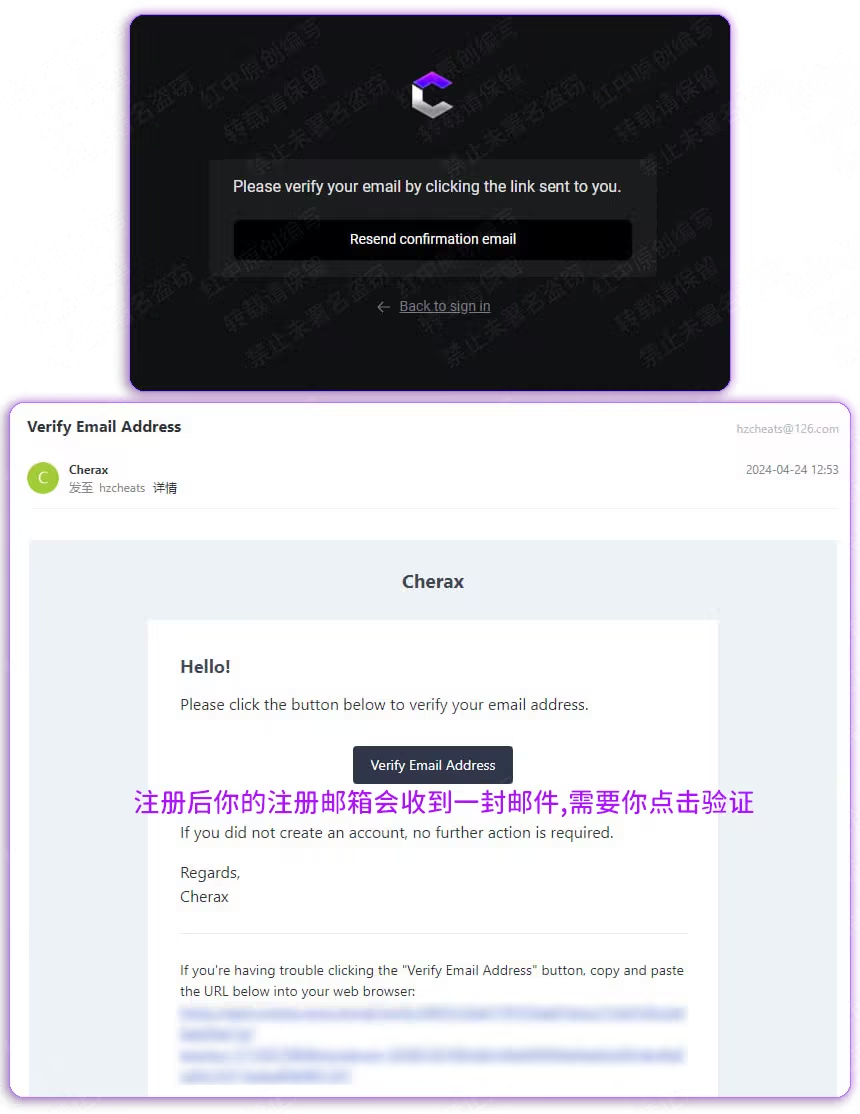
verify
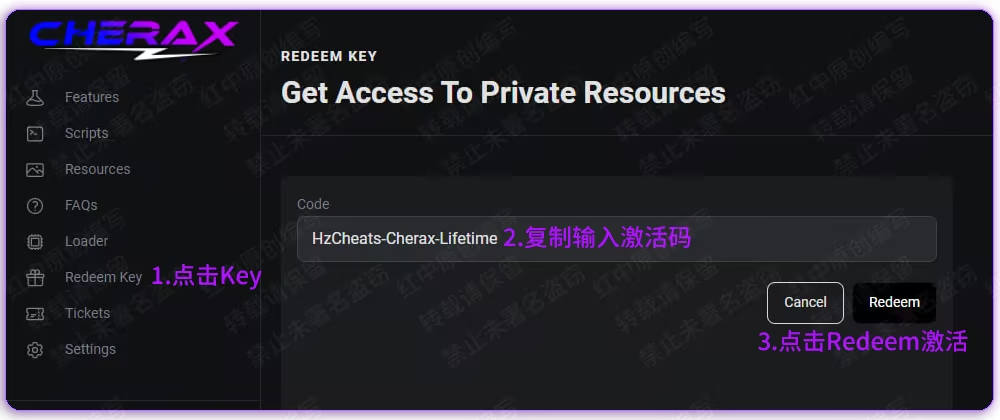
activation
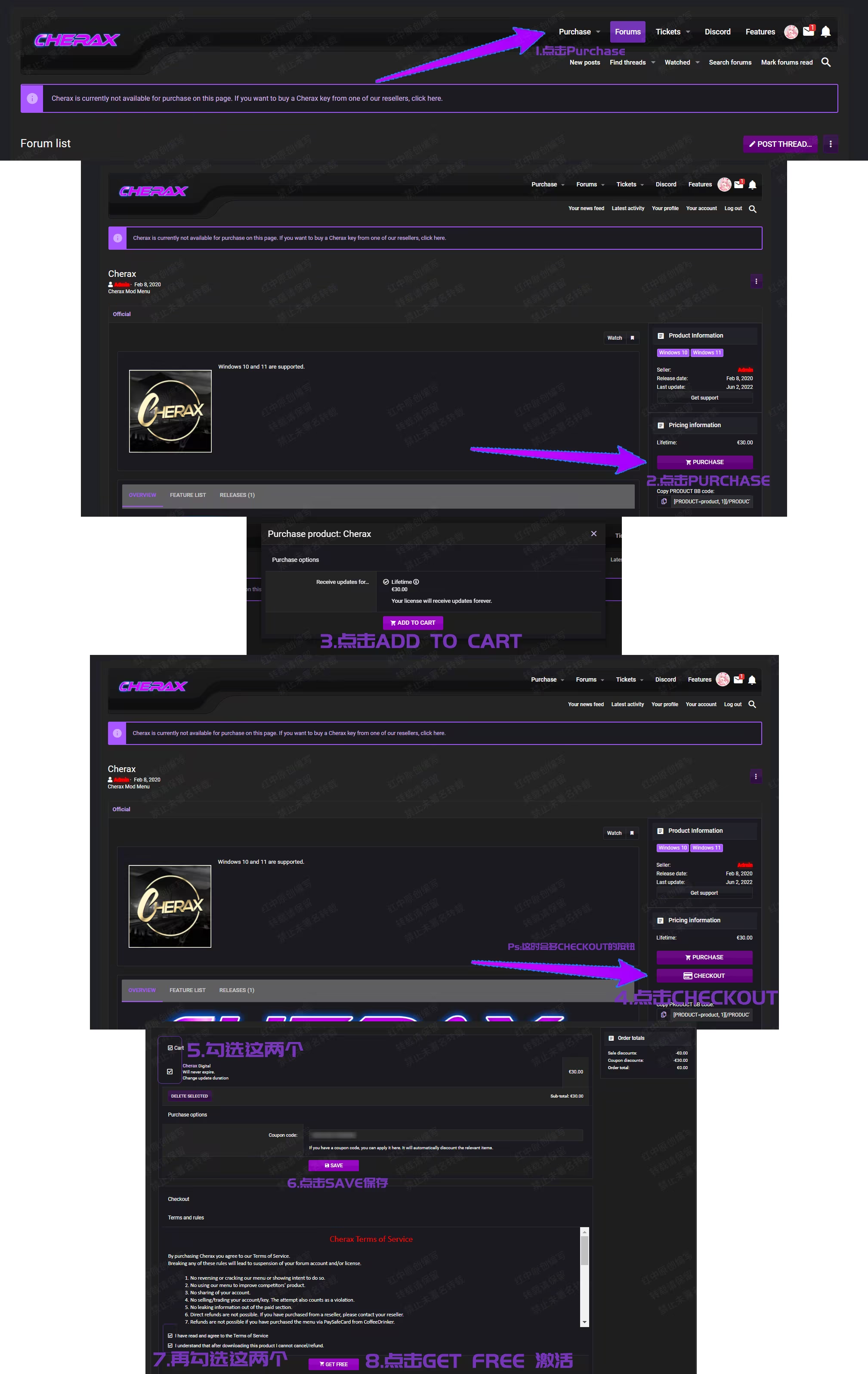
New activation tutorial
Old tutorial, don’t read it
download
Installer download
Official website download
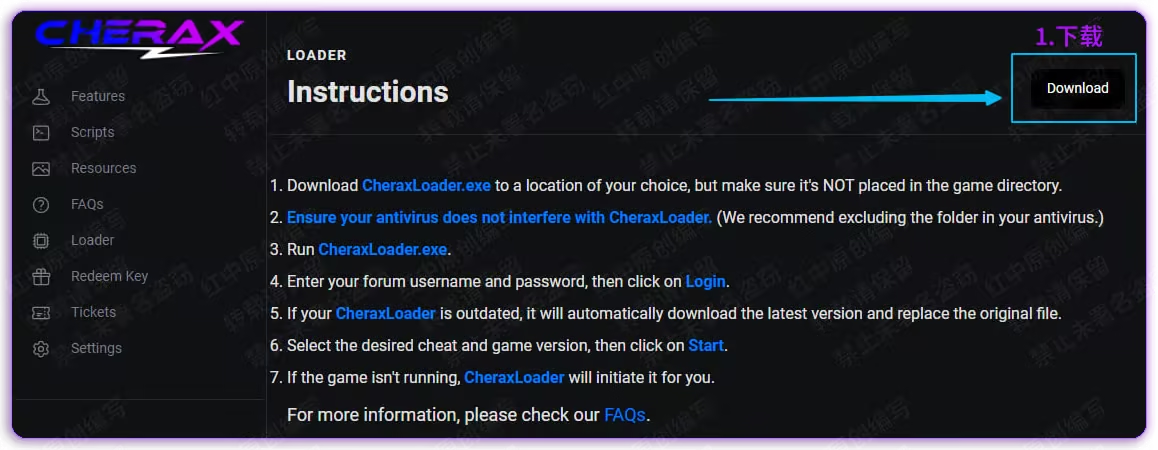
Click the official website to download
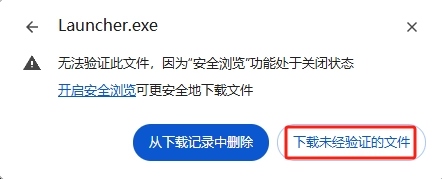
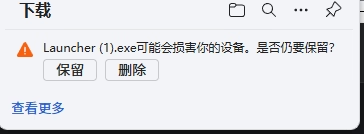
downloadbutton. If prompted to report a virus, it is recommended to turn off the anti-virus before downloading.Enter the official website page
injection
Enter the game story mode after, then Right click - Run as administrator
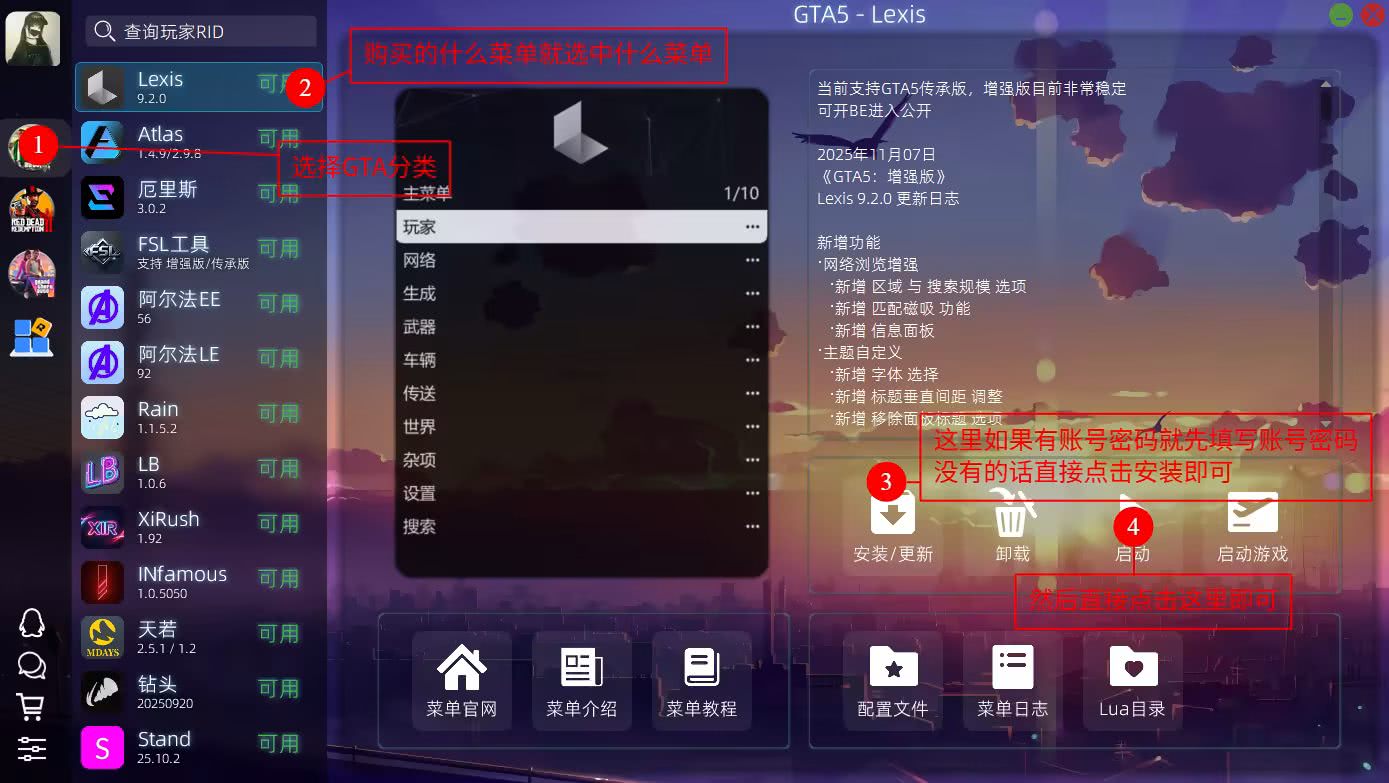
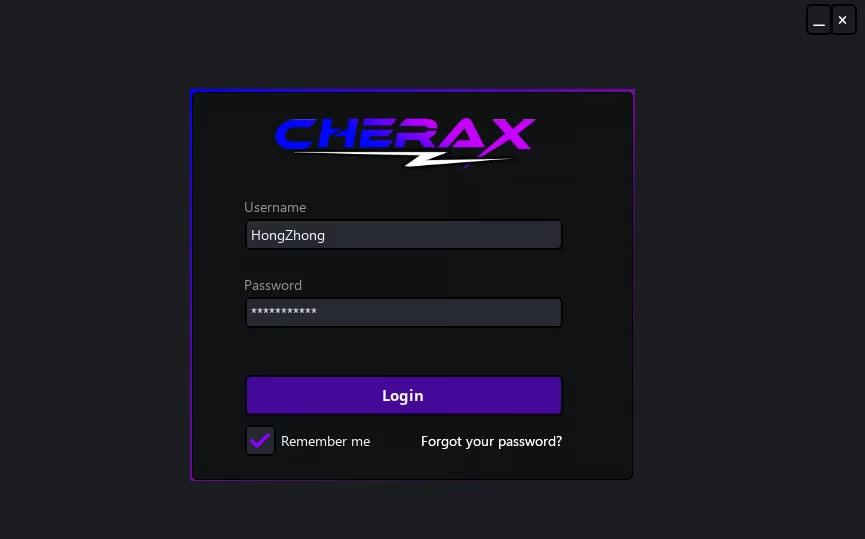
enter Corresponding information click after LoginLog in
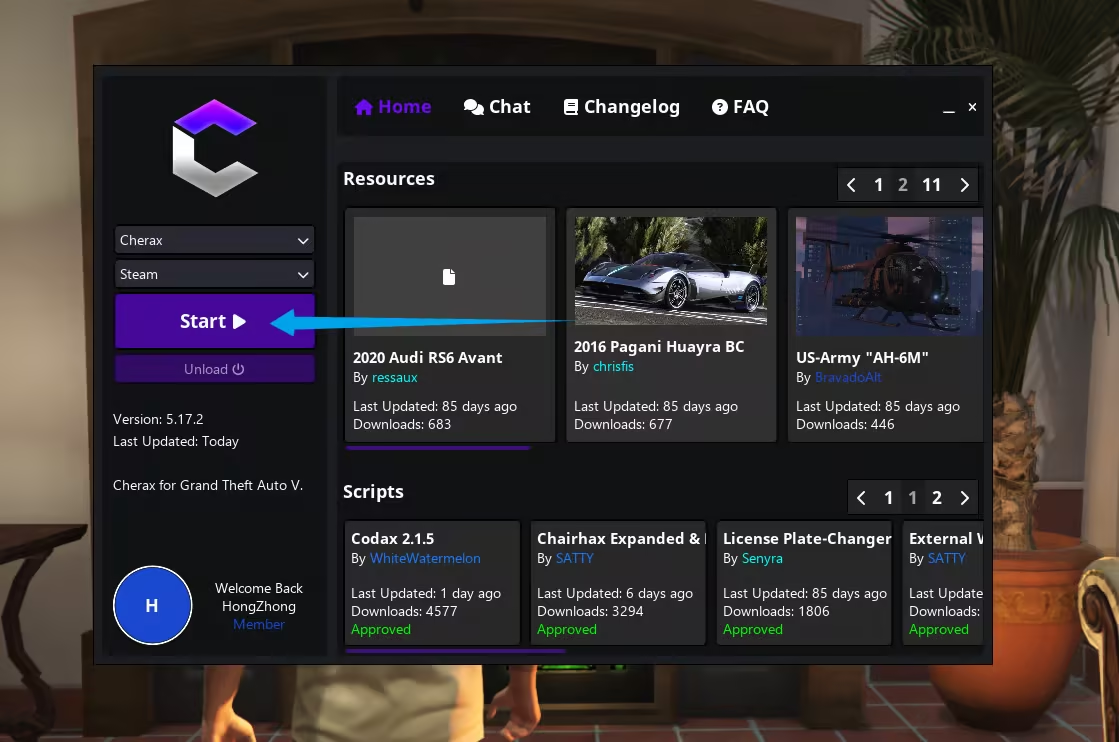
Then click Start Just inject
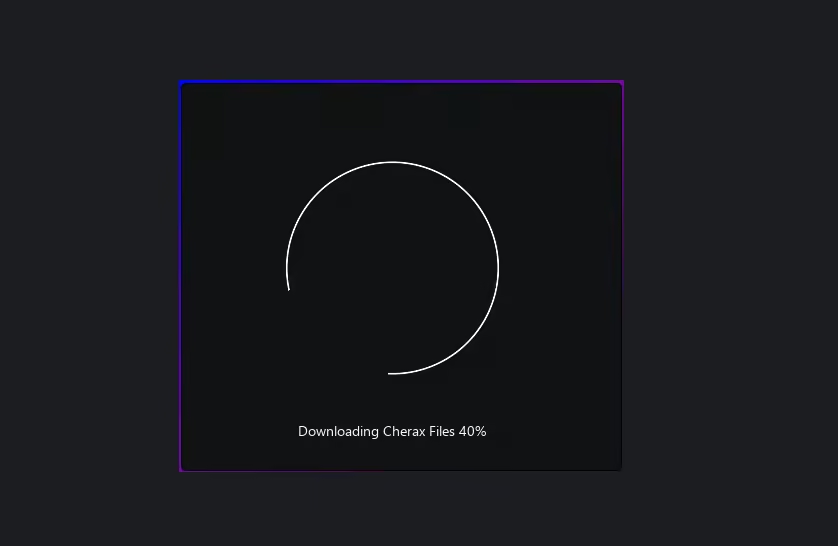
waiting to load
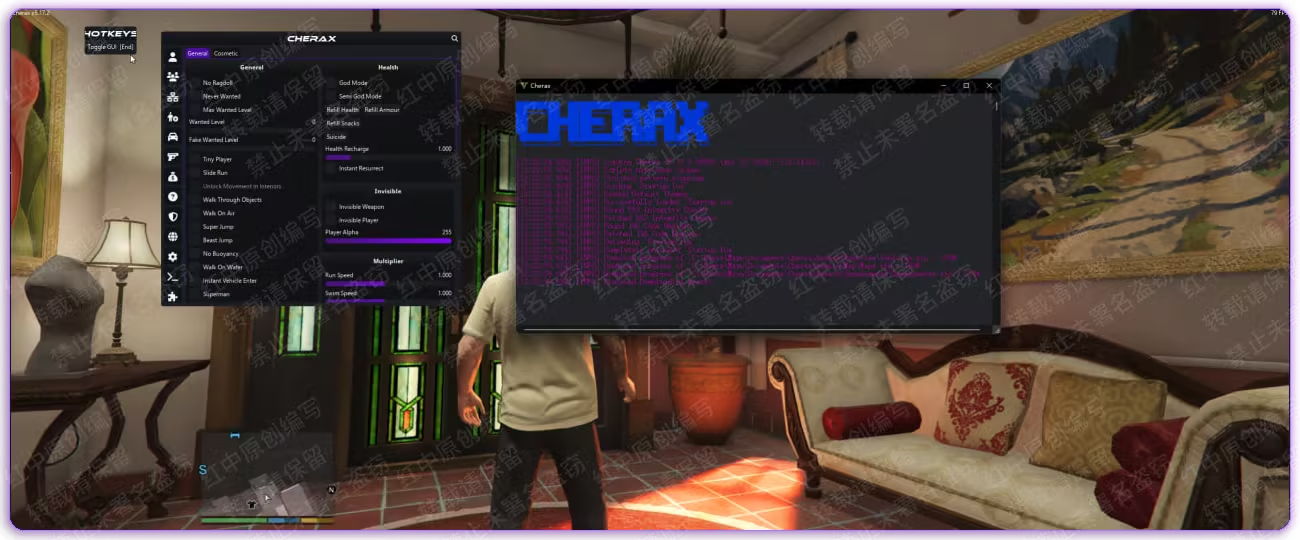
If the injection fails
Check out the following tutorial and ignore this if the injection is successful. 🛠️Solution Manual
use
ClickDELExpose/hide menu
Mouse click to control menu
Set Chinese
After the injection is successful, proceed as shown:
Click to download the translation file
WIN+R enter %appdata% (WIN is the start key on the keyboard)
turn up Cherax folder
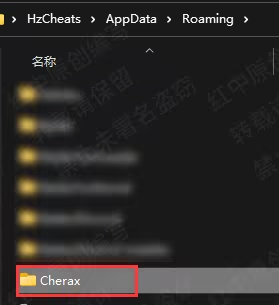
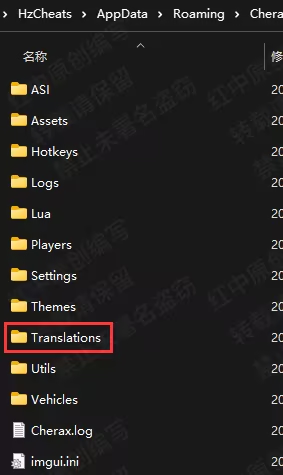
Place the translation files into this folder
After injection, select the font in the game and then load the Chinese