issue-antivirus
Tutorial on turning off Win10/Win11 virus protection
Turn off third-party antivirus
Check the system tray in the lower right corner and close the360 Security Guard、Tencent Computer Manager、tinder、Kingsoft drug tyrant、McAfee、Kaspersky、Avirawait
Temporarily turn off the built-in anti-virus software
After ensuring that the above operations are completed, press theWin + R,enterwindowsdefender://Threatsettingsand press Enter to turn off all protection on this interface
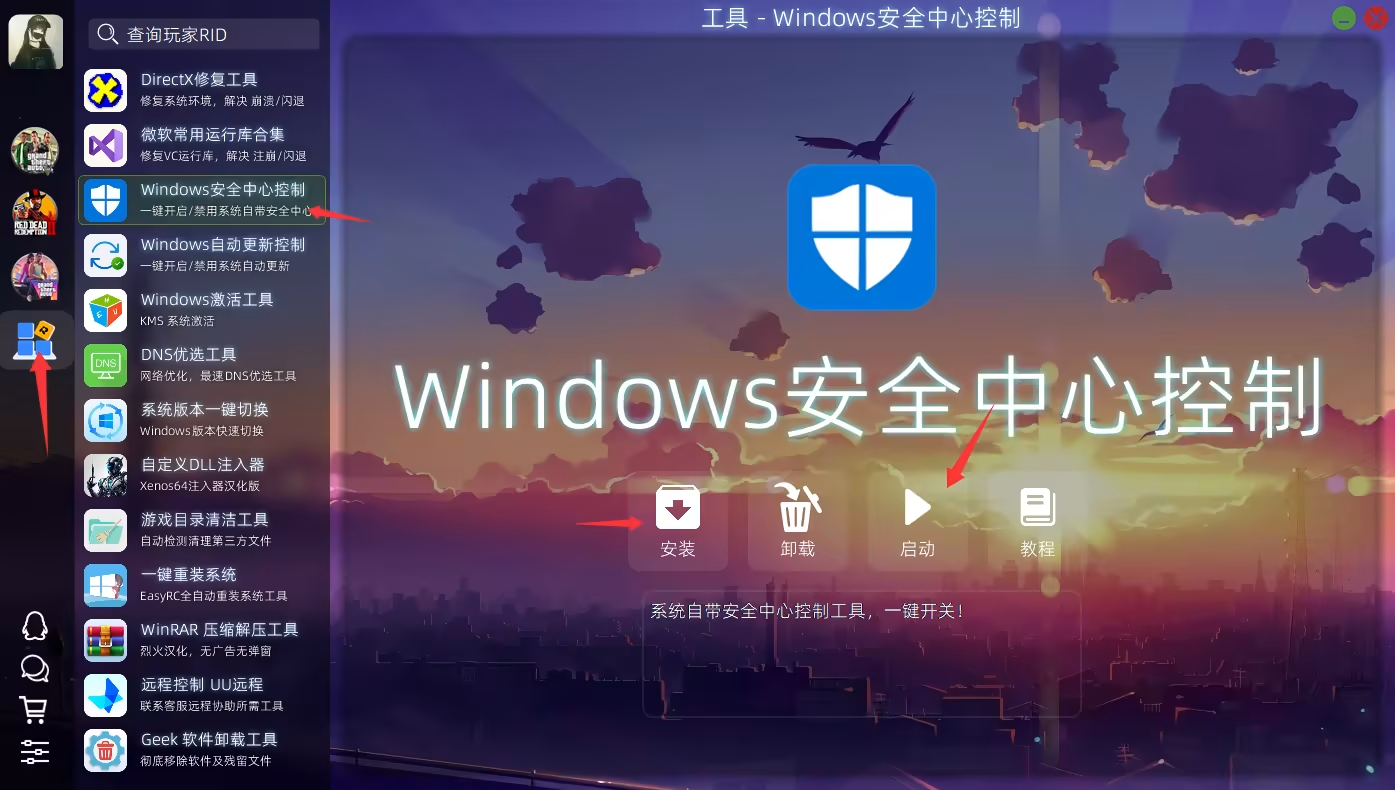
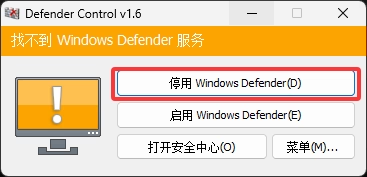
Permanently turn off built-in anti-virus software
download
Download address:https://gualaoshop.lanzouw.com/Installation
against the downloaded installerRight click - Run as administrator