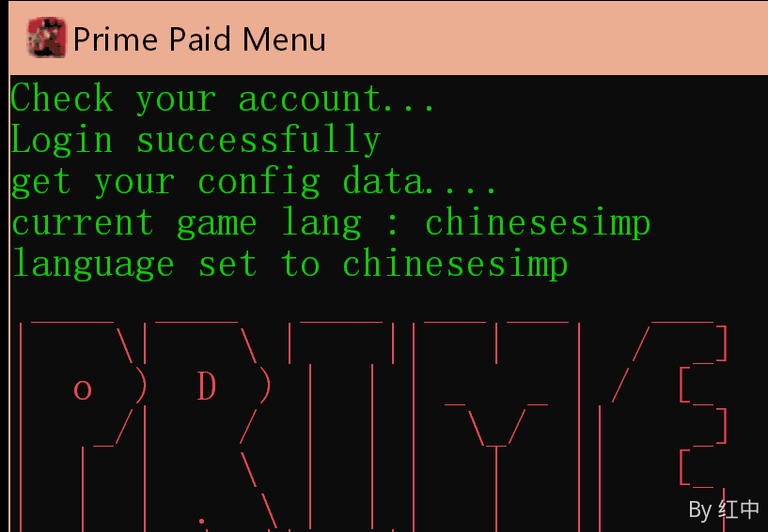
prime-9a45d8
PRIME usage tutorial
Preparations before use (please read carefully when using for the first time)operate)
Since the tool is self-developed software, some anti-virus software may cause false positives or accidental killings. If you encounter such a prompt, please turn off the anti-virus software or add this program to the trust list.
Self-developed software may trigger the protection mechanism of security software. It is normal for virus reports to appear, so please feel free to use it.
necessaryoperate:
1. Click on Operation to turn off antivirus ↓
2. Click ↓ to operate the runtime library

3. Click to prevent flashback during operation↓

Text begins
Activation code description
Keep your purchasesPRIME account password, if lost it cannot be retrieved.
PRIMEAccount passwordAllDeveloper randomgenerate
Type 1
58 - username:hzcheats@1748469802 password:hzcheats@158111130 type:lifetime
If it is this format
You only need to use username: followed by password:
username: account
password: password
58-andtype:lifetimeJust ignore it
Type 2
Account: hzcheats@1748469802password:hzcheats@158111130
It’s clear at a glance, no need to say more
download
Installer:
https://xgmenu.lanzn.com/b0017lf6gd
injection
Enter the game main page
Open the installer as shown below:
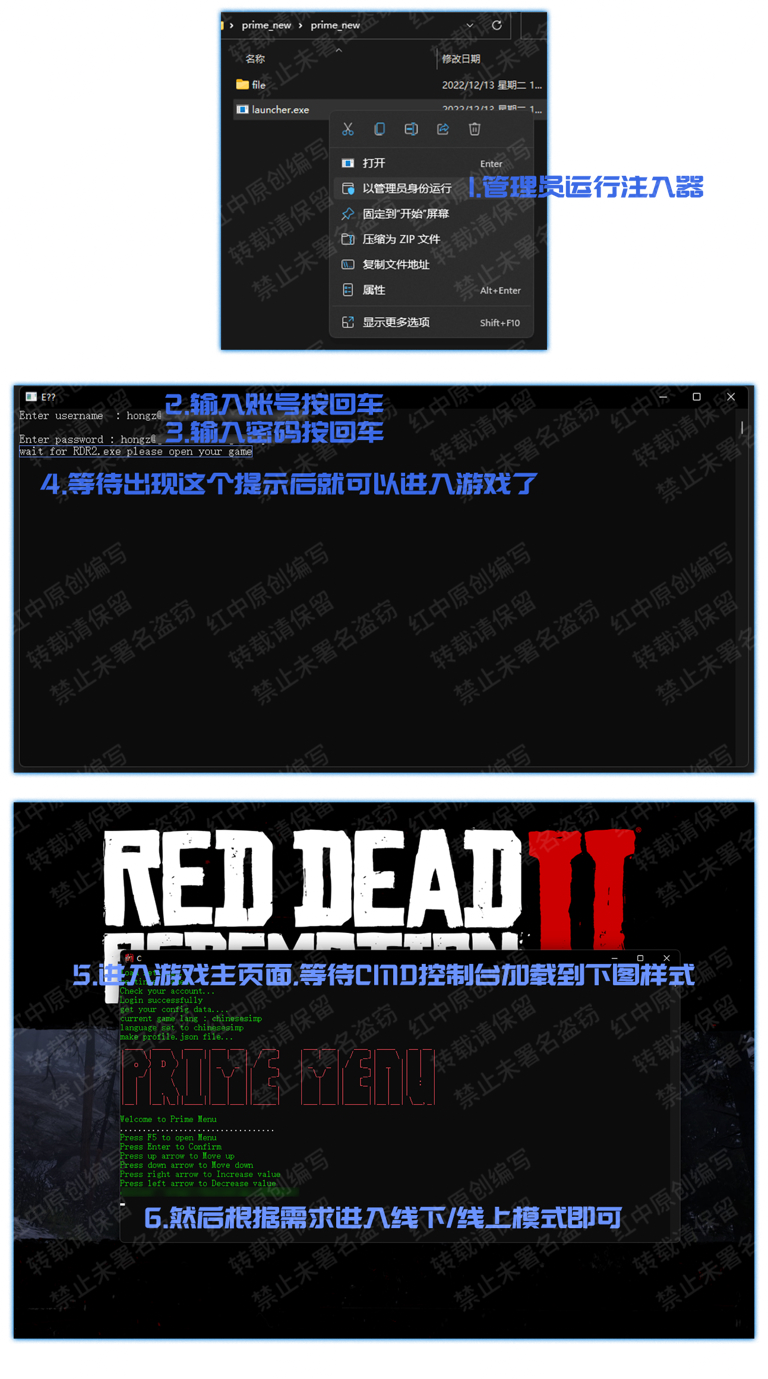
Injection successful
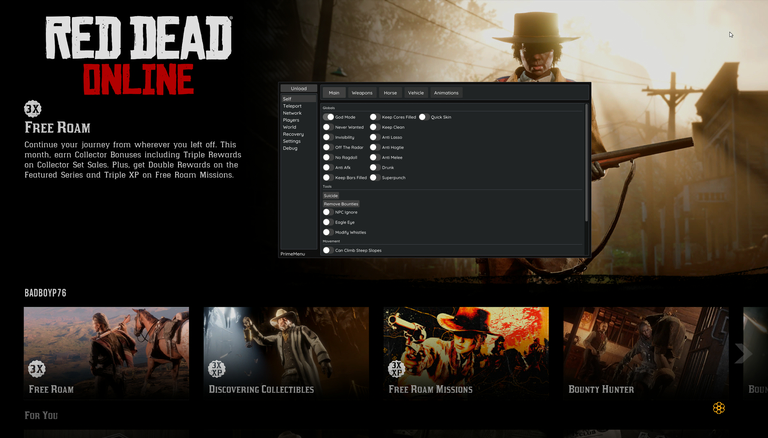
The picture above represents successful injection
Enter online/offline mode to use

use
Inject successfully into the game
F5Expose/hide menu
Arrow keys↑ ↓Control up and down
Arrow keys← →Control left and right
Enter key/EntSure;Backspace/Backreturn
Chinese:
Supreme after October 2025No Chinese translation, the author is no longer providing support, the followingContent invalid
Invalid: If the PRIME you injected does not have Chinese
Click to download Chinese
lang.rar - LANzuoyun
File size: 4.6 K|
https://hzmod.lanzouw.com/iFnsTz8mhzc
After downloading, unzip the lang folder and place it on the desktop (the default path for the installer download is the desktop. If yours has been changed, just follow the path of the CMD console in the picture above to find it)