rift-dcd3bc
Rift tutorial
Preparations before use (please read carefully when using for the first time)operate)
Since the tool is self-developed software, some anti-virus software may cause false positives or accidental killings. If you encounter such a prompt, please turn off the anti-virus software or add this program to the trust list.
Self-developed software may trigger the protection mechanism of security software. It is normal for virus reports to appear, so please feel free to use it.
necessaryoperate:
1. Click on Operation to turn off antivirus ↓

2. Click ↓ to operate the runtime library

3. Click to prevent flashback during operation↓

register
Rift - Register
https://riftmenu.com/register
It cannot be present when registeringChineseandspecial characters, otherwise it wouldregister/injectionNo more
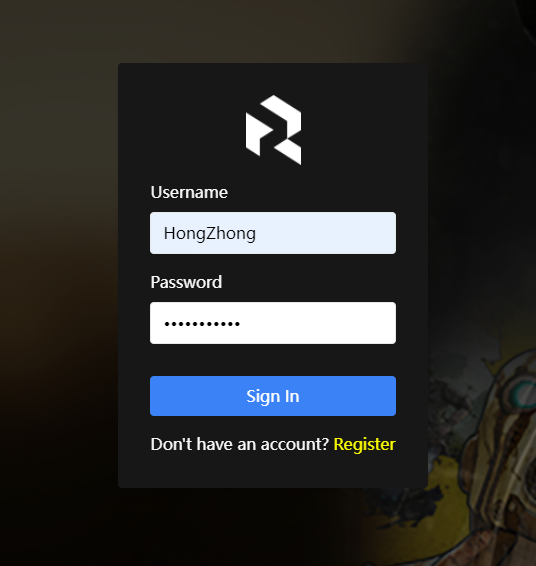
As shown below, fill in the correspondingaccount/password/MailRegister information, then clickRegisterregister


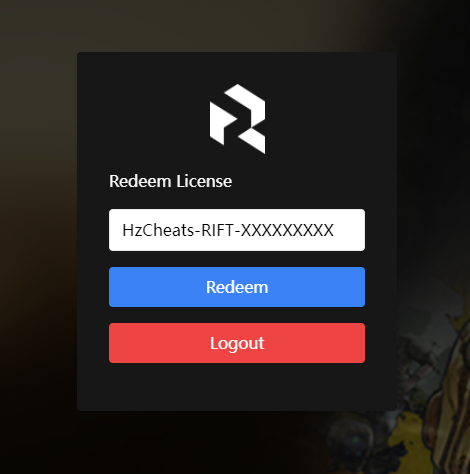
activation


download
It will appear after successful activationgreenofDownload Launcherbutton,ClickDownload the injector

injection
EnterGame main page(After choosing to enterstory/on-linepatternpage)
right mouse buttonadministratorRun the injector
If it prompts that the injector is risky when opening, clickMore information, then clickStill runningThat’s it
After opening the injector, clicklower left iconSwitch the injector toChinese
Then enterCorresponding information login, on clickLog inback
on clickLog inback,Will get stuck on the injector page,pleasewait patiently, this is because the injector isAutomatically download files
Operation as shown below


That meansInjection successful, you can nowMake your own choiceEnterstory/on-linemodel


use
F8 / insert / Numeric keypad*Expose/hide menu
Hold down the mouseZClickable UI using mouse
mouseleft clickSelect / OK
mouseRight clickreturn
mouserollerControl up and down
keypad7 9Control left and right browsing of categories
Arrow keys↑ ↓/ keypad8 2Control up and down
Arrow keys← →/ keypad4 6Control left and right
Enter/Enter/ keypad5Sure
Backspace/backspace key/ keypad0return
Switch/Xbox controller operation:
RB / LBControl left and right browsing of categories
RB + ↓Expose/hide menu
PS handle operation:
L1 / R1Control left and right browsing of categories
R1 + ↓Expose/hide menu