fortitude-453659
Fortitude MMT Script (Traveller)
Traveler usage tutorial
at presentBind RIDof, in gameUse melon inside to see RID. And provide card passwordContact CCMENUbindingRID,Get binding file。
download
Traveller Script March 3latest version.zip
Always develop a good habit: do not download any program to a folder containing Chinese/Chinese symbols/strange characters. This may cause some programs to not run. It is also recommended to put individual programs/compressed packages into separate folders to prevent some programs from releasing many unnecessary files or decompressing too many files that affect the cleanliness.
first stepPlace data"folder":
Right-click RDR2 on Steam or EPIC and select "Manage"->"Browse local files”, put the contents in the compressed packageTravellerLuaScript folderUnzip and store inRDR2 game root directoryLocation, as shown below:


Step 2Place data"document":
TravellerLuaScript.luac storage path
Put the contents in the compressed packageTravellerLuaScript.luacUnzip and store in"Lua" folder inside "Fortitude" folder, as shown below


Step 3binding"Authorization file":
Bind at this timeauthorization document,Send a screenshot of your purchase to your seller, and your seller will make a copy for you titled:Play_hash.luaThe authorization file will be sent to you. The authorization will be bound to your RID. IfIf you change your account, you will no longer be able to use it.Lua
Step 4place"Authorization file":
Place the authorization file, also open the root directory of the RDR2 game, and get the authorization filePlay_hash.luaplaced inTravellerLuaScript folderAuthorization can be completed within


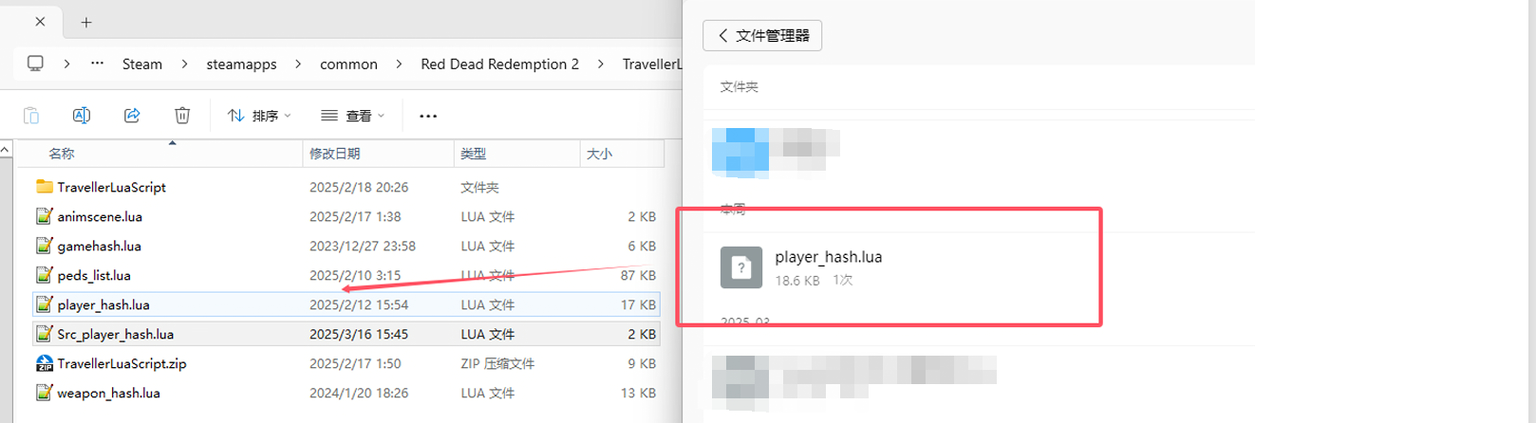
NOTE: If your file name contains extrasuffix(For example, "(4)" shown in the screenshot), please note that the authorization file written above should bePlay_hash.lua, rather than with any otherextra charactersprefixas well asspace. Be sure to rename the file to the correct namePlay_hash.lua, and check carefullyHave you made any operational errors?!

Step 5within menu"start script":
In-game operations:make sure youAfter successfully injecting Fortitude and entering online/story mode


Verification successfulbackupper right corner of screenA prompt will appear


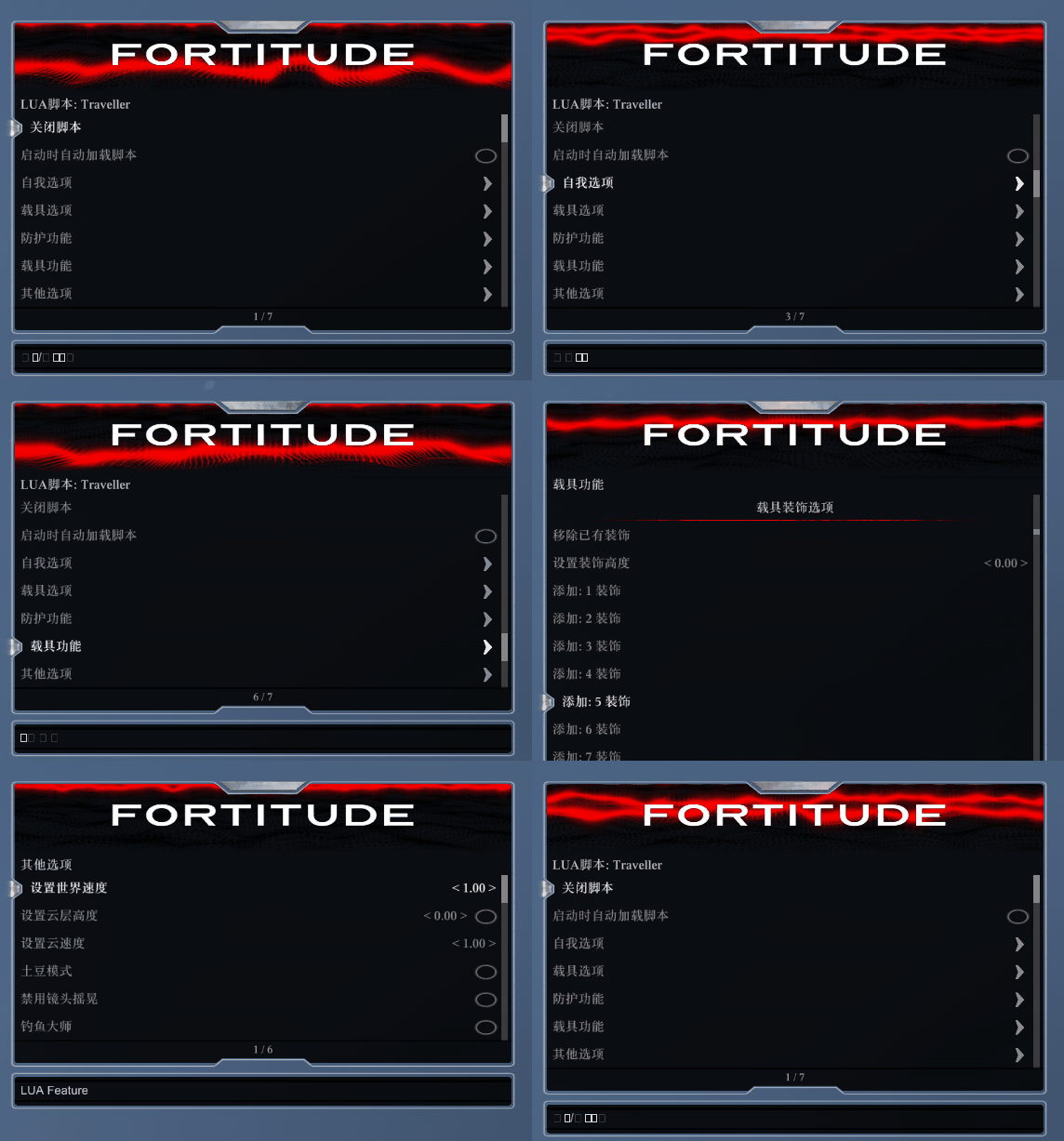
Traveller function display
RDR2TravellerLua partFunction display.zip